01 / 04
Connect a sensor
Register any RTSP source as a sensor. Nothing is pulled until a stream starts, so an idle camera costs nothing.
POST /sensor/
{
  "name": "loading-dock-02",
  "url": "rtsp://10.0.4.21:8554/live",
  "streamtype": "normal"
}Computer vision analytics platform
Connect RTSP cameras and sensor feeds, run each stream through the modules you choose, and query what they find as timestamped events.
The pipeline, end to end
Illustration · 15-second loop
Feeds converge, modules process each frame as it arrives, and the output resolves into records you can query. The recorded detection footage is further down.
How it works
01 / 04
Register any RTSP source as a sensor. Nothing is pulled until a stream starts, so an idle camera costs nothing.
POST /sensor/
{
"name": "loading-dock-02",
"url": "rtsp://10.0.4.21:8554/live",
"streamtype": "normal"
}02 / 04
The sensor driver publishes frames onto NATS JetStream. Capture and analysis are decoupled, so modules scale independently of the cameras feeding them.
POST /streaming/start/{sensor_id}
{ "fps": 15 }

# frames publish to NATS JetStream, one subject per stream
03 / 04
Attach a module to one or more streams. Face detection runs on Intel OpenVINO, tracks each face across frames and scores every detection.
POST /analytics/
{
  "stream_ids": ["6aa1c16959606bb372802b63"],
  "analysis": ["face_detection"]
}Recorded from the running system. Source footage: Intel sample-videos (opens in a new tab).
04 / 04
Every detection is written back as a timestamped event with its confidence and bounding boxes, filterable by job, stream, type or date range.
GET /events/?analytics_id=6aa1c16a59606bb372802b64&limit=20

{
  "total": 11,
  "limit": 20,
  "skip": 0,
  "events": [
    {
      "event_type": "face_detection",
      "stream_id": "6aa1c16959606bb372802b63",
      "frame_number": 274,
      "timestamp": "2026-09-09T20:29:05.650Z",
      "confidence": 0.999,
      "detection_count": 3,
      "metadata": {
        "model": "face-detection-adas-0001",
        "detections": [
          { "bbox": [120, 80, 250, 220], "confidence": 0.999 }
        ]
      }
    }
  ]
}
Four calls to go from a camera to a queryable event.
Try it on your footagePipeline builder
Pick a feed, switch engines and chained modules on or off, and set the processing rate. Every box, label and event is real model output, recorded on a CPU and replayed in your browser.
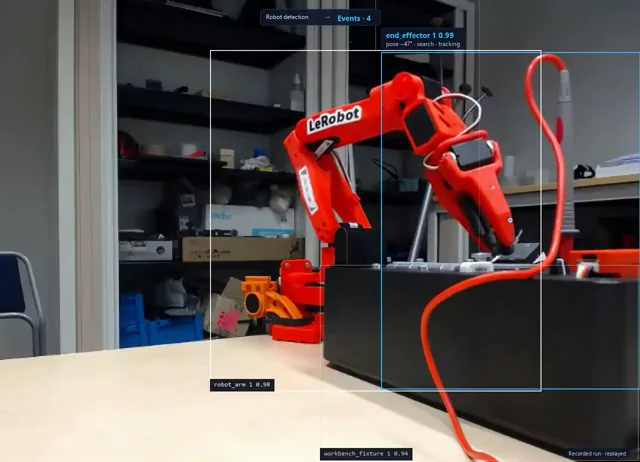 Recorded run · replayed
Event log
Latest event payload
—
Face detection ships in Visalytix today. The other engines are preview modules: the same Intel models, run offline. Footage: Intel IoT DevKit sample videos, licensed CC BY 4.0, cut and scaled. Models: Intel Open Model Zoo (Apache-2.0).
Modules
Each module runs as its own container on the stream bus, so adding one never touches ingestion, transport or the event store. One ships today; the sheet says which.
| Module | Runs as | Status |
|---|---|---|
| Face detection & trackingLocates and tracks faces across frames, scoring every detection. | OpenVINO container on the stream bus | Shipping |
| Your own modelPackage a model as a container that reads frames from the bus. | Any container that consumes NATS subjects | Roadmap |
| Module chainingFeed one module's output topic into the next module's input. | Output topic to input subject | Roadmap |
| Object detectionGeneral object classes beyond faces. | OpenVINO container on the stream bus | Roadmap |
Deployment
The same containers run everywhere, on one host with Docker Compose or across a cluster with Kubernetes. Moving between clouds, or off them, is a deployment change rather than a rewrite.
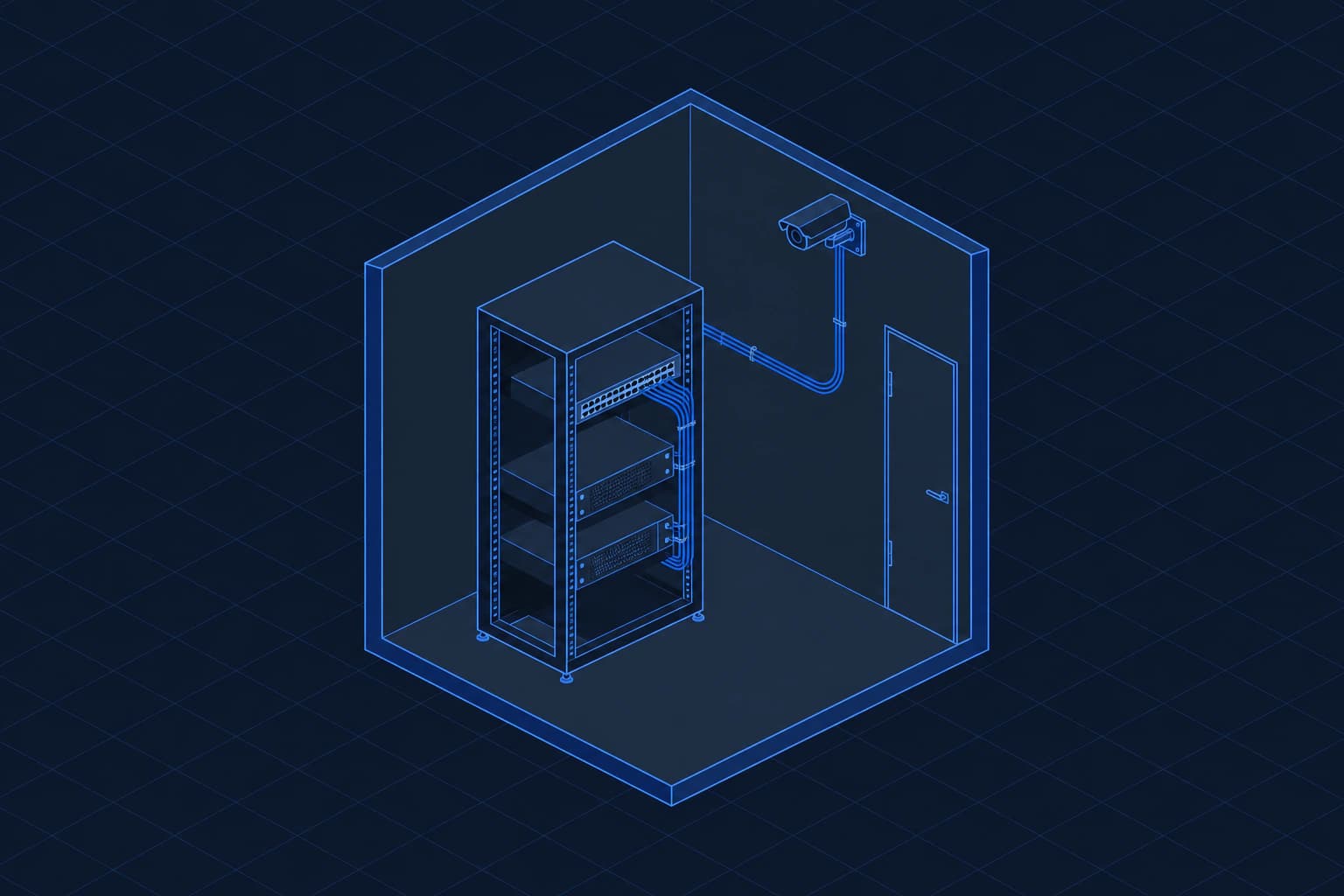
On-premises
Run the whole stack with Docker Compose on a single Linux host, or across your own Kubernetes cluster. Footage never has to leave your network.
docker compose up -d
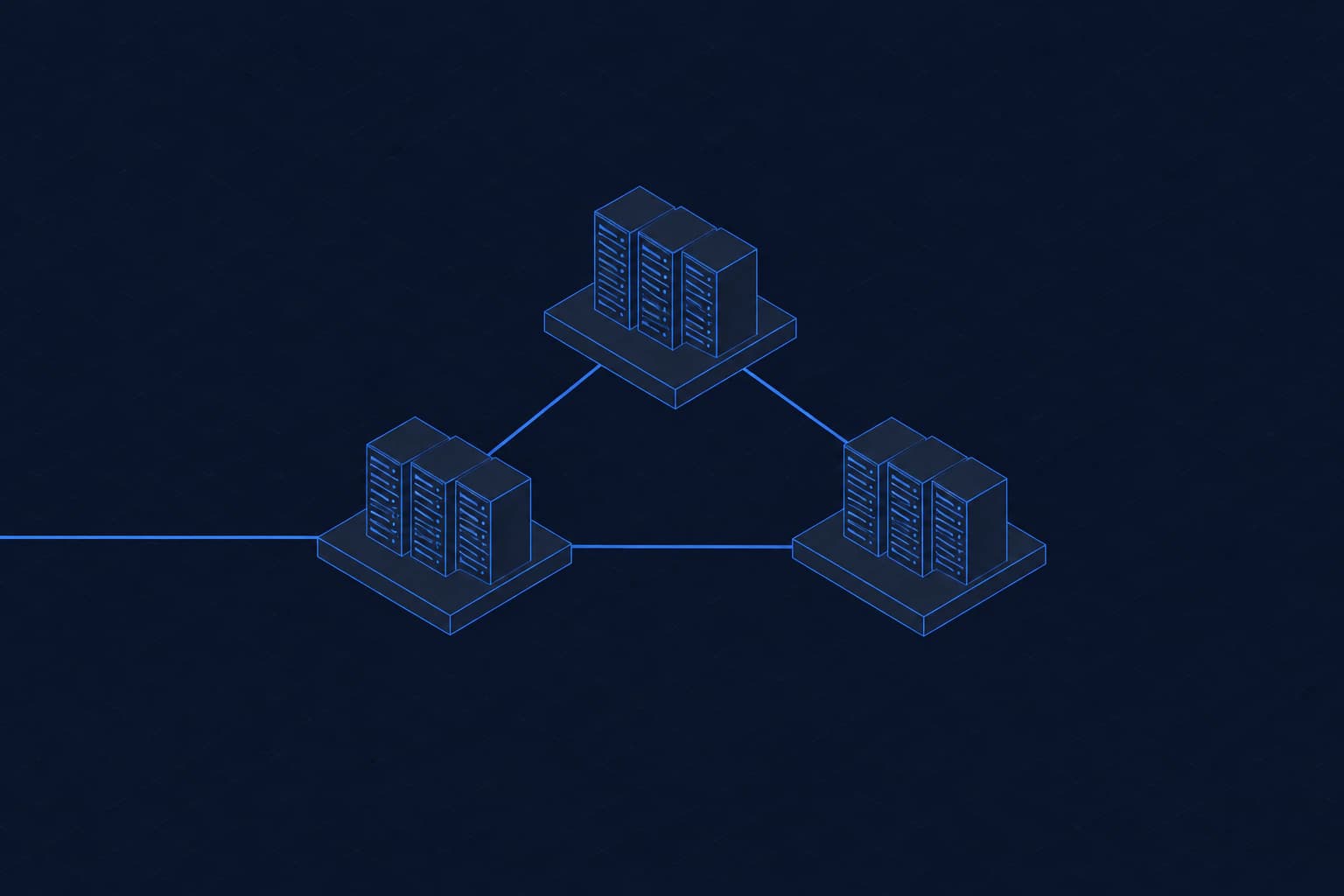
Public cloud
Amazon EKS with Terraform for the cluster, node groups and container registry, or a single Compute Engine VM that starts for a demo and stops when you are done.
terraform apply
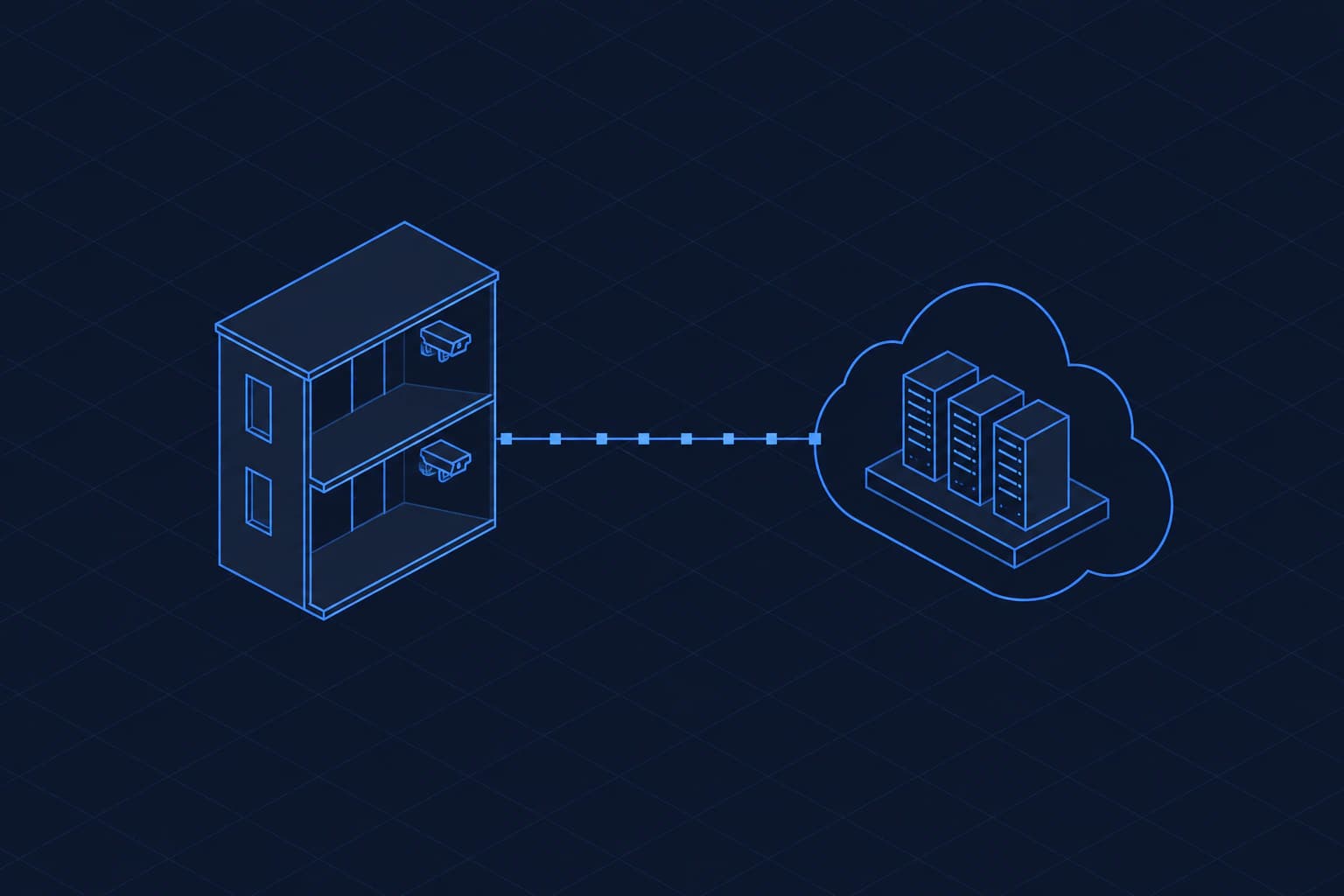
Hybrid
Keep the cameras where they are and stream RTSP to processing in your own cloud account, over the network you already have.
rtsp://site-a/cam-01 → your cloud
Same stack everywhere
Running somewhere else? It is plain containers, so bring your environment to the demo call and we will walk through it.
We’ll run the pipeline on your footage during the call and show you the events it produces.
Book a demoOn the call